Note: To copy a project, you must have View Project and Add Project permissions in Active Community (see “Editing Permissions for Community Security Roles” ).

|
Activities (including activity dependencies and due dates, but not activity reminders if part of an activity-managed project)
|
To copy a project
|
1
|
After creating a project as described in “Creating a Regular or Activity Managed Project” , click the Projects module.
|

|
If you created the project, click the Your Projects tab.
|
|
|
If someone else created the project, remain on the All Projects tab. In the Search for Projects field, start typing part of the project name, and then click Search (see “Quick (Simple) Searches” or “Advanced Searches” ).
|
The project opens to the Overview tab.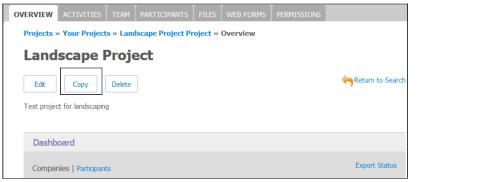
|
4
|
Click Copy.
|
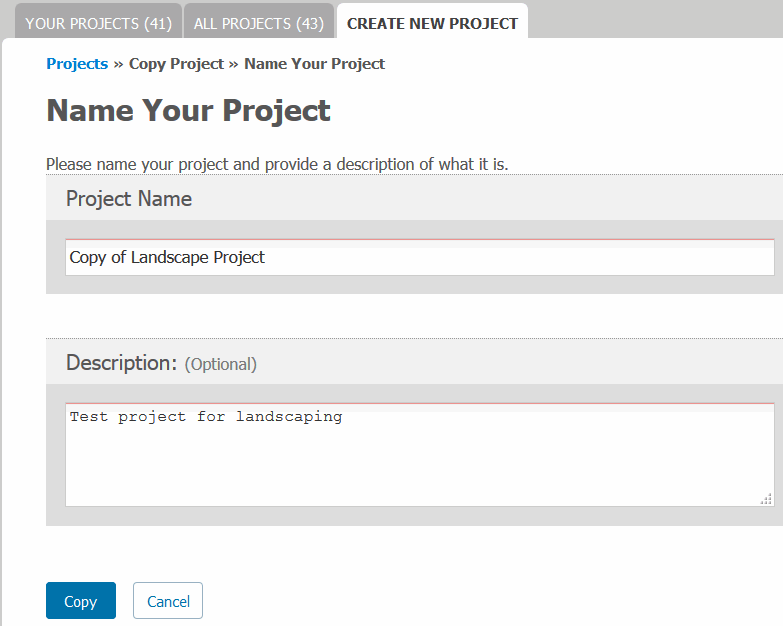
The Create New Project tab opens.
|
6
|
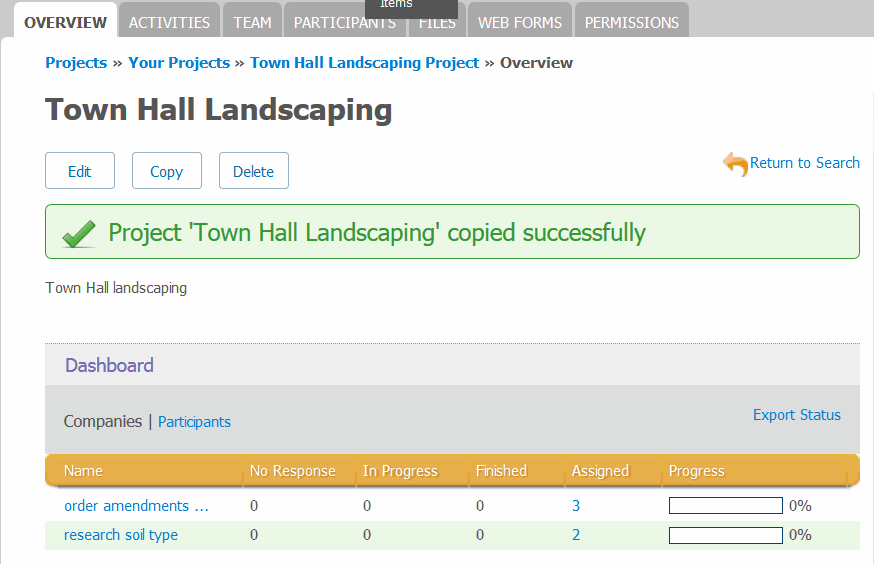
Click Copy.
|
 OpenText Active Community User Guide PDF
